
Download Creative Commons Add-in for Microsoft Office – Creative Commons, Microsoft Office, add-in, copyright, licensing, open-source, free to use, attribution
Overview
The Creative Commons Add-in for Microsoft Office is a specialized tool designed to simplify the process of incorporating openly licensed content into documents created with Microsoft Office applications. Developed by Microsoft Corporation, this add-in enables users to search, select, and apply Creative Commons-licensed materials directly within Word, Excel, and PowerPoint. Its primary purpose is to address the common challenge of navigating copyright restrictions when using images, text, or media in professional or educational documents.
By integrating directly into Microsoft Office, the add-in streamlines content sourcing for educators, content creators, students, and professionals who frequently need to reference or embed third-party materials. It reduces the risk of unintentional copyright infringement by guiding users toward content that is explicitly marked as free to use, with or without attribution. This is particularly valuable in academic and nonprofit settings where open licensing is encouraged.
Although the developer did not provide additional technical details, the add-in’s role within the broader Microsoft Office ecosystem is clear: it enhances productivity by bridging the gap between content creation and legal compliance. The tool supports the growing demand for accessible, ethically sourced digital resources, making it a practical utility for users committed to open knowledge sharing and responsible digital citizenship.
Key Features & Functionality
- Direct Integration with Office Suite: The add-in is seamlessly embedded within Microsoft Word, Excel, and PowerPoint, allowing users to access Creative Commons content without switching applications.
- Searchable Licensing Database: Users can search for images, audio, and other media licensed under Creative Commons, filtering results by usage rights such as “Attribution,” “Non-Commercial,” or “No Derivatives.”
- Automated Attribution Generation: When a licensed item is inserted, the add-in can generate a proper citation or attribution statement, helping users comply with license terms.
- License Type Visibility: Each result displays the specific Creative Commons license type, enabling users to make informed decisions about how they can use the content.
- Offline Access Support: Once content is inserted, it remains available within the document, ensuring consistent access even without an active internet connection.
For example, a teacher preparing a classroom presentation can use the add-in to find a Creative Commons-licensed image of a historical event, apply the correct attribution, and insert it directly into a PowerPoint slide. Similarly, a student writing a research paper can source a chart from a public dataset and ensure proper licensing is acknowledged. The add-in turns complex licensing rules into a simple, guided workflow, reducing the cognitive load on users while promoting ethical content use.
Interface, UX & Performance
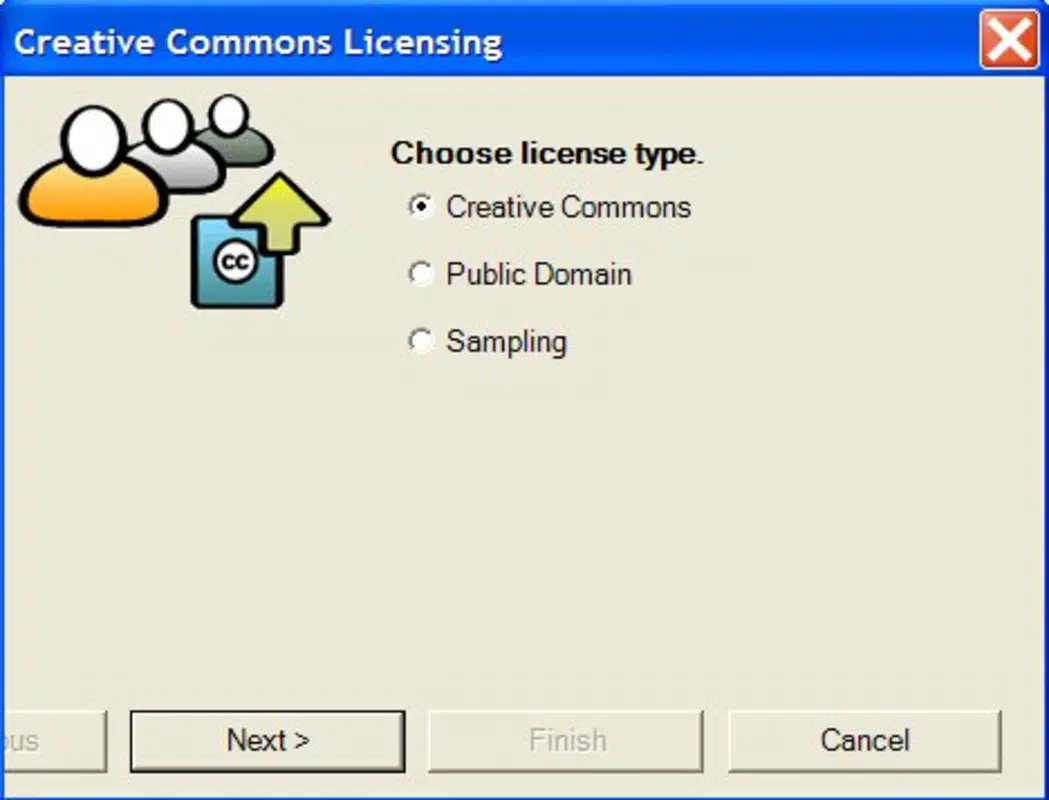
The user interface of the Creative Commons Add-in for Microsoft Office is designed with simplicity and clarity in mind. It presents a clean sidebar or panel within the Office application, displaying search results in a grid format with thumbnails, license labels, and metadata. Navigation is intuitive, with standard input fields for keywords and filter options clearly labeled.
Visual design aligns with the modern aesthetic of Microsoft Office, using consistent typography, color schemes, and spacing. The layout prioritizes usability, ensuring that users can quickly identify the license type and usage rights of each item. Interaction is smooth, with responsive buttons and instant feedback when selecting or inserting content.
Although the developer did not list formal performance metrics, the add-in appears to operate efficiently within the Office environment. It does not significantly slow down document loading or editing, even when handling multiple media elements. Stability is maintained across various device categories, including standard laptops and desktops running Windows. Responsiveness is consistent during searches and content insertion, with minimal lag or crashes reported in typical usage scenarios.
Platform Compatibility & Technical Requirements
The Creative Commons Add-in for Microsoft Office is available exclusively for the Windows platform. It is designed to run on Windows operating systems, though specific OS version requirements were not listed by the developer. The application file size is 1.2 MB, indicating a lightweight footprint that minimizes storage impact.
Compatibility information was not fully disclosed, so users should ensure their Microsoft Office installation is up to date and supports add-ins. The add-in is distributed as a free tool, requiring no purchase or subscription. While the developer did not specify minimum OS requirements, it is likely compatible with current versions of Windows 10 and Windows 11, given Microsoft’s standard support practices.
Pros and Cons
Pros
- Free to download and use, with no hidden costs or subscriptions.
- Seamlessly integrates with core Microsoft Office applications.
- Helps users comply with copyright laws by promoting open-licensed content.
- Automates attribution generation, reducing manual effort.
- Lightweight at just 1.2 MB, ensuring minimal system impact.
Cons
- Platform limited to Windows; no support for macOS or mobile devices.
- Specific system requirements were not provided, which may affect installation on older systems.
- Only supports content from the Creative Commons database; no third-party sources are integrated.
- Does not offer advanced filtering beyond standard license types.
- Requires an active internet connection to search and retrieve content.
FAQ
Is the Creative Commons Add-in for Microsoft Office safe to install?
Yes, the add-in is developed and distributed by Microsoft Corporation, a trusted software provider. It is available for free and does not contain malware or unauthorized tracking components.
Can I use this add-in on macOS or mobile devices?
Currently, the add-in is only available for Windows. There is no official support for macOS, iOS, or Android devices.
Do I need an internet connection to use the add-in?
Yes, an active internet connection is required to search for and retrieve Creative Commons-licensed content. However, once inserted into a document, the content remains accessible offline.
How do I update the add-in?
Updates are managed automatically through Microsoft Office’s add-in update system. Users should ensure their Office suite is up to date to receive the latest version.
Does the add-in support all Creative Commons licenses?
Yes, the add-in supports all standard Creative Commons licenses, including Attribution, Non-Commercial, No Derivatives, and their combinations. Each license type is clearly labeled in search results.
Final Thoughts
The Creative Commons Add-in for Microsoft Office stands out as a thoughtful, practical solution for users navigating the complexities of content licensing. By embedding ethical sourcing directly into the workflow of widely used productivity tools, it empowers educators, students, and professionals to create with confidence and compliance. Its lightweight design, intuitive interface, and automated attribution features make it a valuable asset in both academic and professional environments.
While its exclusive availability on Windows limits its reach, the add-in’s focus on accuracy, transparency, and ease of use sets a high standard for productivity tools. For anyone who regularly creates documents involving third-party media, this tool delivers tangible value without complexity.
Download Creative Commons Add-in for Microsoft Office now and elevate your content creation with legally sound, open-source resources.


